Sandusky, Ohio · Since 1984

Custom laser-cut
and bent parts.
Made in Ohio.

Upload your CAD files, choose material and quantity, and get pricing for your parts. A real fabrication shop backs every quote.

Have a print or PDF? Send it for a quote
Finished precision-cut circular metal sample with clean curved slots and countersunk holes
Precision-cut detail. Finished edges.
Cutting & forming
Made in Ohio.
Since 1984
Fabrication experience
45,000 sq. ft.
Sandusky manufacturing facility
2 lasers · 5 brakes
Cutting & forming in one shop
DXF · STEP · STP
Flat parts & formed models

From file to finished part

Your price is three steps away.

Upload your own CAD or try a sample below. See how quantity, material, and finishing affect the price before you order.

From your file to your finished parts

  1. Upload files

    Start with a part, an assembly, or a batch.

  2. Configure your parts

    Choose material, quantity, and options.

  3. Save your quote or order

    Review pricing and any shop-review needs.

Upload your CAD files

Start with the revision you want made.

Drop your CAD files here DXF, STEP parts or assemblies
Up to 10 files, 10 MB total

No account required · Review before paying

Your files stay private.

Or try a sample part

Change the quantity and finish. See current pricing for the exact sample CAD.

Loading sample parts…

Specification

See the exact sample geometry

Download the sample CAD

Slide up to 500, or enter a quantity up to 10,000.

— / part · total —

Paint finish

Options

Need tapping, countersinking, custom paint, or PEM hardware? Upload your part to configure its features and review requirements.

One part or your next run

Built for the work you do.

From a first design check to an approved production revision, start with the part and quantity you need.

Formed steel brackets stacked neatly on a pallet
Formed parts. Clean bends.

Prototypes & small orders

Test your design with the material and quantity you need. Check the geometry and manufacturing feedback before you order.

  • Flat or formed parts from your CAD
  • Material and quantity selected per part
  • Shop review for details that need discussion
Plan a prototype
Neatly organized stacks of clean laser-cut steel plates with mounting holes
Ahner production parts

Production & repeat parts

Price your approved revision at production quantities. Send drawings, finishes, and schedule requirements directly to the shop for review.

  • Compare current pricing at different quantities
  • Quote a past part again from your account
  • Confirm revision, finish, and timing before release
Plan a production order

Capabilities

A direct line to the shop making your parts.

From flat blanks and brackets to formed covers and production components, Ahner cuts and forms the work you send.

Laser cutting

Flat profiles from DXF or flat STEP models, with pricing based on your actual geometry.

Press brake bending

Formed parts checked against real tooling, dies, and tonnage before pricing.

Tapping

Select holes and thread sizes. Hole diameter and thread engagement are checked.

Countersinking

Flush fastener seats, with depth verified against material thickness.

Hardware insertion

Specify the hardware and affected holes. The shop reviews the requirements.

Paint

Choose an available color or send a recognized color code and finish requirements.

Carbon steel

A1011

A practical choice for brackets, plates, covers, and painted work. Choose the supported thickness in your quote.

Explore carbon steel

Stainless steel

304 · 2B finish

For parts where corrosion resistance or a clean metal finish matters, from straps to equipment panels.

Explore stainless

Aluminum

3003 sheet

A lighter, formable option for covers, enclosures, and panels. Check your thickness and forming requirements.

Explore aluminum

Real sample pricing

See a sample before
you upload.

These sample prices are calculated by our quote engine for the stated CAD, material, and thickness. Select a sample to try different quantities and finishes.

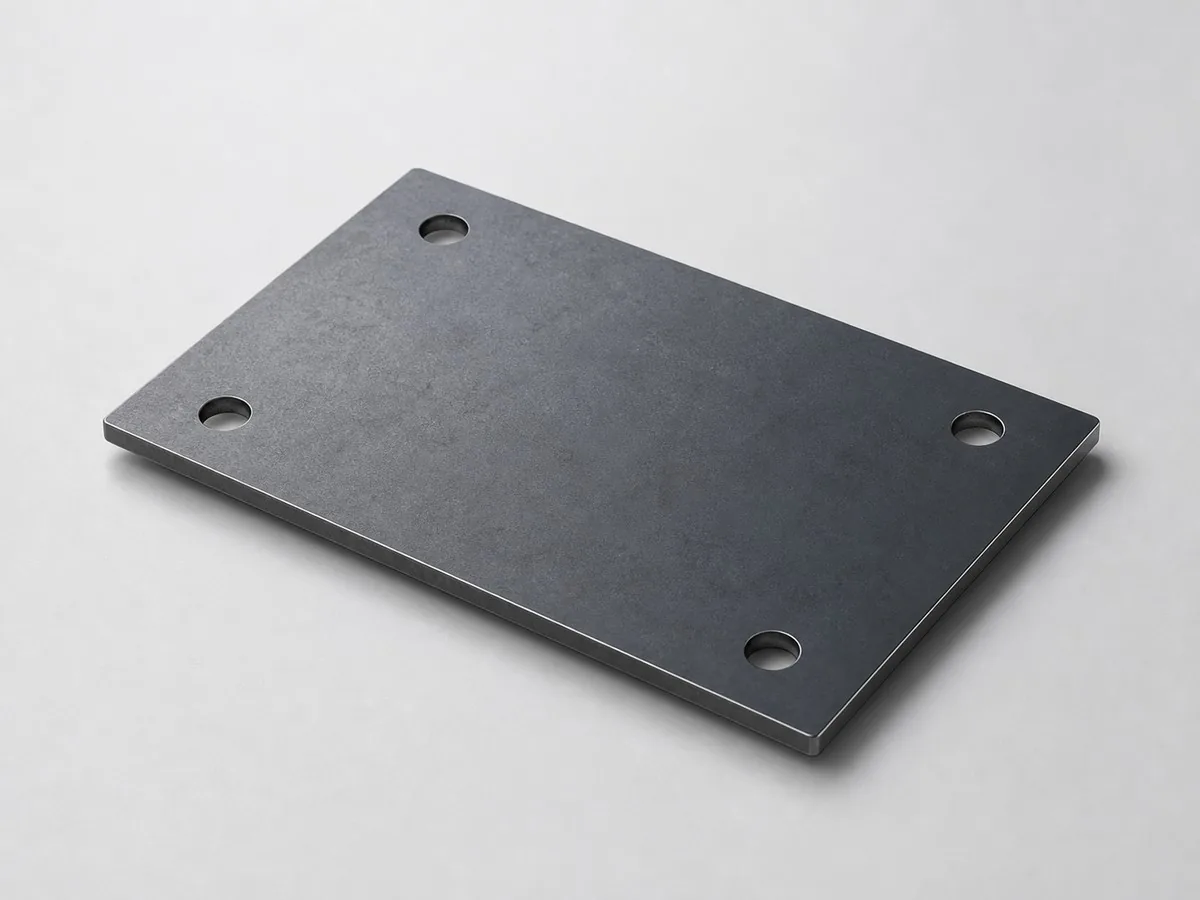
Illustration of a flat carbon-steel plate with four holesIllustrative sample

Carbon-steel bracket

A1011 · .080 in · 4 × 6 in

Current sample price per part at each quantity
QuantityEach
1Calculating…
5Calculating…
25Calculating…
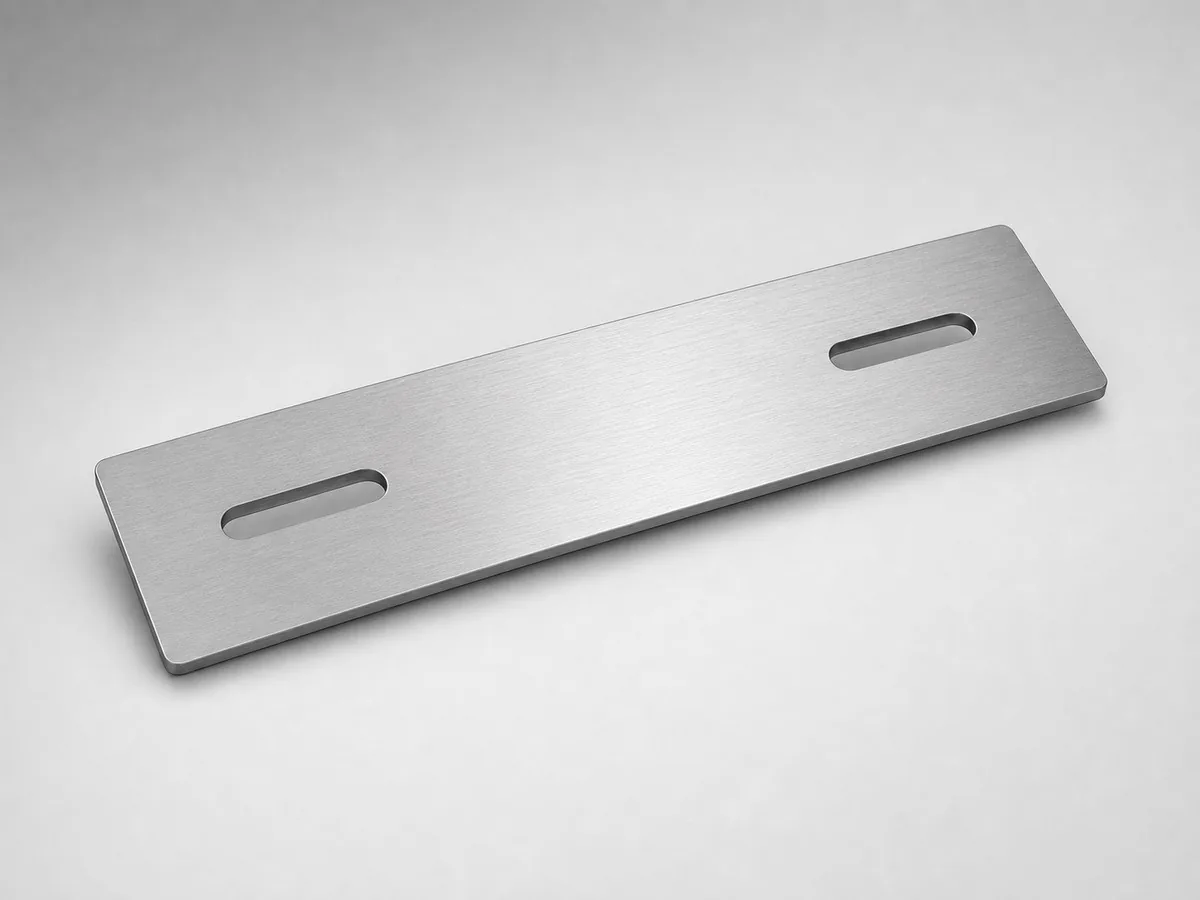
Illustration of a stainless-steel strap with two slotsIllustrative sample

Stainless-steel strap

304 2B · .060 in · 8 × 3 in

Current sample price per part at each quantity
QuantityEach
1Calculating…
10Calculating…
25Calculating…
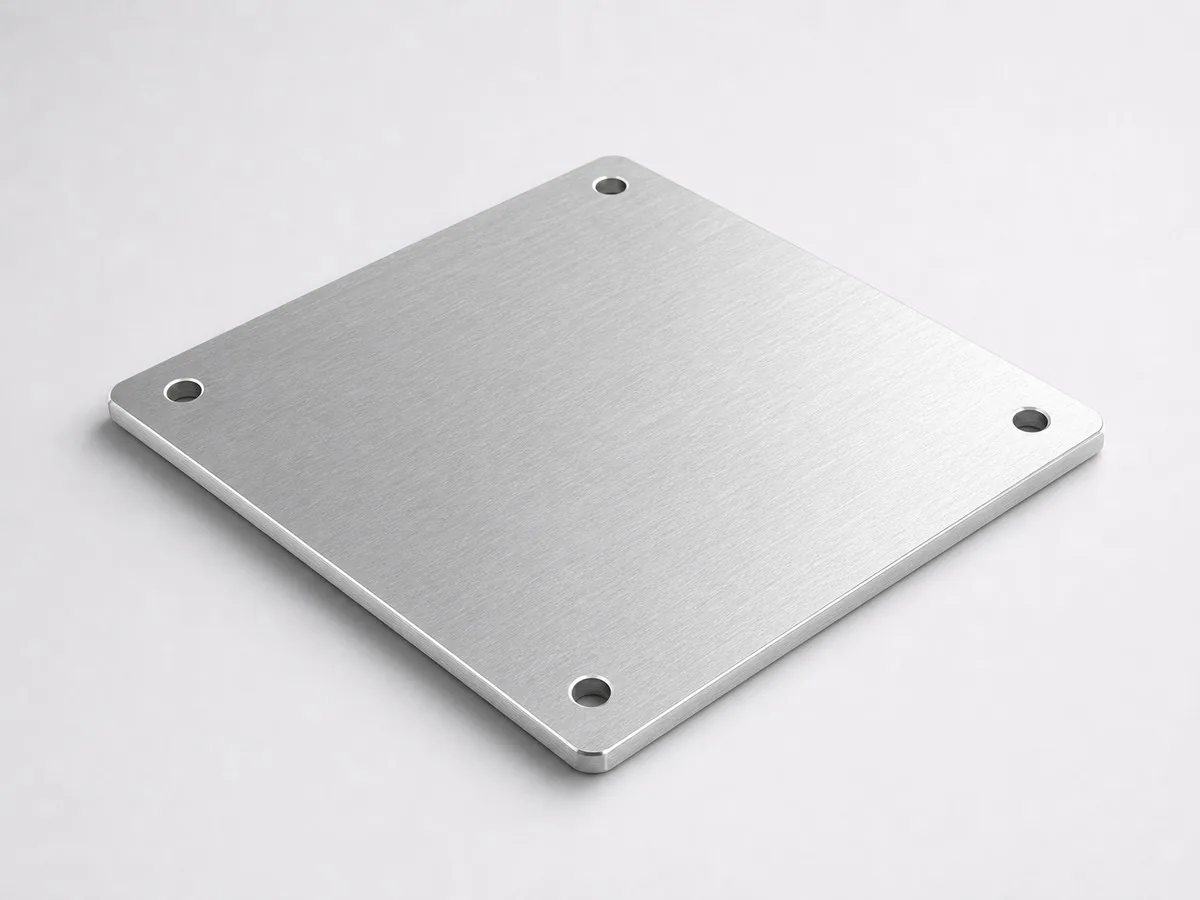
Illustration of an aluminum cover panel with four holesIllustrative sample

Aluminum cover panel

3003 · .125 in · 6 × 6 in

Current sample price per part at each quantity
QuantityEach
1Calculating…
5Calculating…
25Calculating…
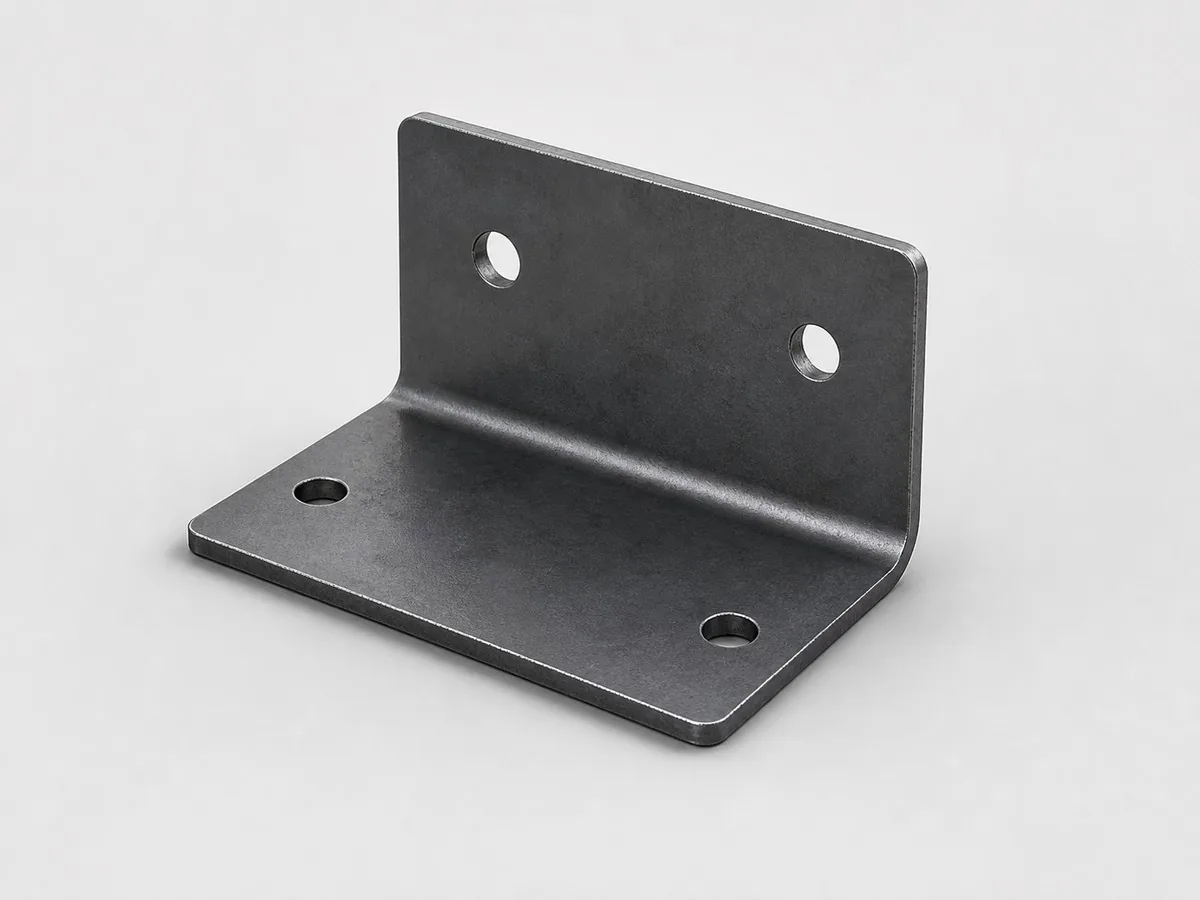
Illustration of a formed sheet-metal angle bracket with laser-cut holesIllustrative sample

Formed-part quoting

Laser cut + press brake bending

See how cutting, bend setup, and handling affect a formed part’s price. Upload your final formed STEP model for current pricing.

Prices above are calculated for the sample CAD with no paint or optional finishing. Use the sample calculator to add finishing. Shipping and tax are excluded; your own geometry may price differently.

Another way to start

A print. A past part.
A conversation.

Already have a drawing or an Ahner account? Get to the right place without starting over.

← Back to your CAD quote

Send a print for a quote

Your CAD quote is still available. Use this form for a separate print or drawing request.

Already an Ahner customer?Find quotes, orders, and repeat parts

Sign in to resume a draft, check an order, or quote a past part again.

Quotes & orders

New to the website? Create an account using your usual purchasing email. Personal records are available while company access is reviewed.

Need help finding company records? Ask Ahner to link your account.

Quote a past part again.

Your account brings saved quotes, orders, and available source files together. Start a repeat quote, check the revision and quantity, and review current pricing before placing the next order.

Find your repeat parts

Straight answers

Before you upload.

More about quoting
Which files can I use?

Upload DXF for flat profiles, or STEP/STP for parts and assemblies. STEP parts and assemblies are detected automatically, with repeated parts counted for review. You can upload up to 10 files, 10 MB total, at a time. Only have a PDF, print, or image? Send it to Ahner for a quote.

Will my part receive an online price?

Supported parts receive pricing after you confirm their material, thickness, quantity, and options. Parts that need a closer manufacturing review show a reason and can be sent to Ahner for review.

Can I pick up my order or have it shipped?

Your estimated ship date appears in your quote. Choose pickup at our Sandusky shop or an available delivery option during checkout. Review shipping costs and estimated timing before placing an order. Some jobs have pickup-only restrictions. Plan delivery or pickup.

Can I save a quote without ordering?

Yes. Choose Save quote from quote review to create a saved quote link. Check the save confirmation for email delivery and expiration details. An account helps you find your saved quotes and orders later.

What does shop review actually check?

The quote checks geometry, material thickness, tooling, and machine capacity. For formed parts, this includes bend fit and tonnage; selected hole operations are checked against the part and material. If something needs a closer look, the quote shows the reason so you can revise the file or send it to Ahner for review.

Let’s make your next part

Ready when you are.

Need help? Call 419-626-6641 and talk to our shop.

Upload files & get a quote
Instant sheet-metal quoting

Online laser cutting and formed sheet metal quotes.

Upload your files to start your quote.

  1. 1Configure parts
  2. 2Review quote
  3. 3Checkout
File upload

Review and configure your uploaded parts

Copied quote ready for review Current pricing has been recalculated. Confirm material, thickness, and quantity before checkout.

Nothing to review yet

Upload your files above. We will open each part here automatically.

Part 1 of 1
Source filename None selected

Your uploaded part will appear here for review.

Ready for instant quote
Leave quote
Select a part to see pricing and review status.
Inspect preview & file details
3D preview
0 parts

Loading 3D preview...

Static preview shown.

Drag to spin this part.
3D preview has not loaded yet.
3D Rotate and inspect
Part type -
Dimensions -
Preview Loading...
File check Upload a file to see detected geometry.
Waiting
Batch settings & review
Quote parts Select parts to copy the active part’s material, thickness, and quantity or review configured parts together.
Material, thickness, quantity, price, and review state for every quote part
SelectPartMaterialThicknessQtyPriceReview
Part removed.