Services

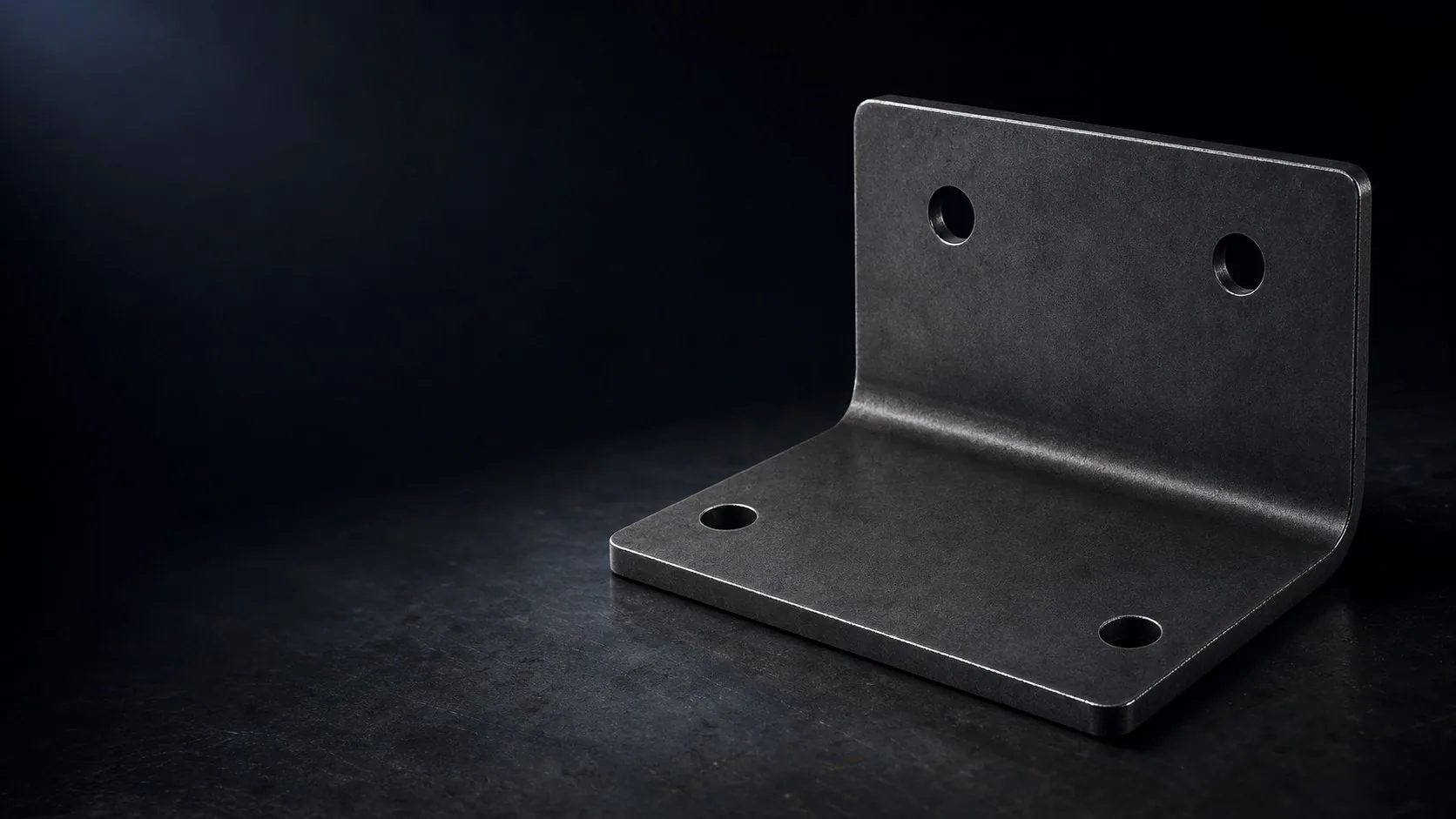
Prototype sheet metal parts with a faster online quote path.

Use this page for prototype and low-volume parts when you still need a real fabrication quote quickly.

DXF and STEP for early-stage parts Primary quote path
Instant or review Two outcomes in one workflow
Ohio and the Midwest Primary service region
Best Fit

What this page is actually good for.

Use this path when the part type, file, and buying situation line up with the way the quote tool is built.

Why buyers use this path

The goal is to price the part quickly without making the customer guess what to do next.

  • Useful for early-run brackets, covers, and enclosures.
  • Supports DXF and STEP uploads in one workflow.
  • Makes it easy to compare one-off vs small-batch costs.

What this workflow already handles

The site can price clean jobs immediately and still keep edge cases moving.

  • The STEP preview helps validate formed parts visually.
  • Review routing protects against bad assumptions on edge cases.
  • Quantity breaks still help estimate what happens after the first build.
System Checks

What the quote tool is checking behind the scenes.

These checks keep the fast price believable and send riskier jobs to review before anyone trusts the wrong number.

What usually moves the price

The number changes for manufacturing reasons, not arbitrary website rules.

  • Material, thickness, and quantity.
  • Cutting factors on flat parts.
  • Bend count, setup, and weight on formed parts.

When review is the right outcome

Review is normal when the part no longer fits the safe instant-quote envelope.

  • Prototype geometry that is still too rough or incomplete.
  • Formed parts outside the online brake rules.
  • Anything that needs estimator review before the first build.
Next Move

How to get the most useful quote from this page.

The simplest way to keep things moving is to upload the file that matches the actual manufacturing route and then use the row controls to pressure-test the job.

Use the row controls

The quote table is there to answer practical buying questions before checkout.

  • Compare 1, 3, 5, and 25 pieces.
  • Change material or thickness if you are still evaluating options.
  • Open the preview before submitting the order.

Use review when it appears

A review flag is a safer answer than a fake instant price.

  • It keeps the order moving in the same workflow.
  • It shows why the part needs estimator attention.
  • It is usually the right outcome on long, heavy, or unclear formed work.
FAQ

Questions buyers ask before they upload.

Can I use the quote tool for just one part?

Yes. The quote flow is built to support one-off and low-quantity parts as well as larger quantity comparisons.

Are prototype parts only for DXF uploads?

No. Prototype buyers can use DXF for flat parts or STEP files when formed geometry and 3D review matter.

What happens if my prototype part needs staff review?

The order can still be submitted for review from the same guided flow instead of sending you back to email.

Related Pages

Keep exploring the quote workflow.

Ready To Upload

Move from research into the live quote tool.

Use the same upload flow for DXF, STEP, and STP files. The site will guide the part into instant pricing or manual review as needed.